Markdown Syntax Complete Guide

Markdown Syntax Guide
Reference
Headers
Use # symbols for headers. More # symbols mean smaller headers.
# Header one
## Header two
### Header three
#### Header four
##### Header five
###### Header six
Text Styling
Italic
_italic_
Result: italic
Bold
**bold**
Result: bold
Bold and Italic
**_bold and italic_**
Result: bold and italic
Paragraphs
Add two spaces at the end of a line to create a line break.
Without two spaces, a single line break in markdown will not create a visible line break. Two line breaks will create a paragraph break.
Block Quotes
Add > at the beginning of the line.
> "Her eyes had called him and his soul had leaped at the call."
Result:
“Her eyes had called him and his soul had leaped at the call.”
Code
Inline Code
Use single backticks for inline code.
Code Blocks
Wrap code with triple backticks:
```
print.out("abc")
```
Result:
print.out("abc")
You can also specify the language for syntax highlighting:
```python
print("Hello World")
```
Links
Basic Link
[Search for it.](www.google.com)
Result: Search for it.
Reference Link
Extract links as variables for reuse:
Do you want to [see something fun][a fun place]?

Well, do I have [the website for you][another fun place]!

[a fun place]: www.zombo.com
[another fun place]: www.stumbleupon.com
Images
Basic Image
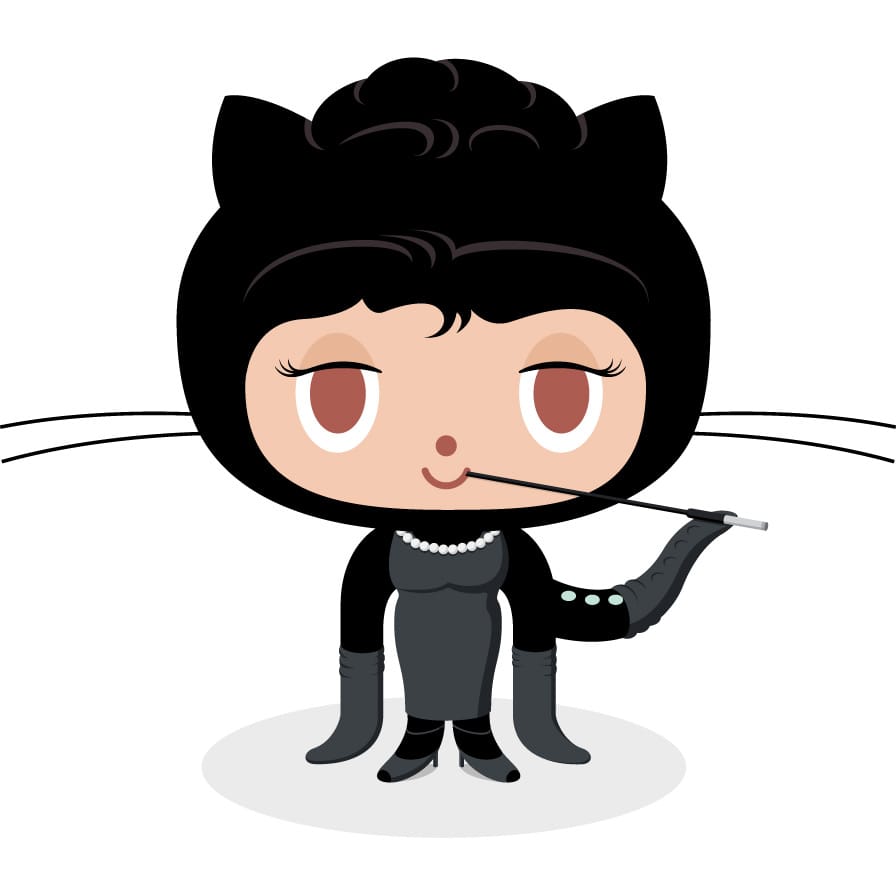
Reference Image
![the first father][First Father]
![The second first father][Second Father]

[First Father]: http://octodex.github.com/images/founding-father.jpg
[Second Father]: http://octodex.github.com/images/foundingfather_v2.png
Lists
Unordered List
Use * or -:
* Calculus
  * A professor
  * Has no hair
  * Often wears green
* Castafiore
  * An opera singer
  * Has white hair
Result:
- Calculus
- A professor
- Has no hair
- Often wears green
- Castafiore
- An opera singer
- Has white hair
Ordered List
1. Cut the cheese
2. Slice the tomatoes
3. Rub the tomatoes in flour
Result:
- Cut the cheese
- Slice the tomatoes
- Rub the tomatoes in flour
Tables
Basic Table
| Header 1 | Header 2 | Header 3 |
|----------|----------|----------|
| Cell 1   | Cell 2   | Cell 3   |
| Cell 4   | Cell 5   | Cell 6   |
Result:
| Header 1 | Header 2 | Header 3 |
|---|---|---|
| Cell 1 | Cell 2 | Cell 3 |
| Cell 4 | Cell 5 | Cell 6 |
Column Alignment
Use colons to align columns:
| Left-aligned | Center-aligned | Right-aligned |
|:-------------|:--------------:|--------------:|
| Left         | Center         | Right         |
Task Lists
- [x] Completed task
- [ ] Incomplete task
- [ ] Another task to do
Result:
- Completed task
- Incomplete task
- Another task to do
Horizontal Rules
Use three or more hyphens, asterisks, or underscores:
---
***
___
All three produce a horizontal rule like the ones separating sections in this guide.
Escape Characters
Use backslash \ to display literal characters that normally have special meaning in Markdown:
\* Not italic \*
\# Not a header
\[Not a link\]
Characters that can be escaped: \, `, *, _, {}, [], (), #, +, -, ., !, |
Advanced Features
Footnotes
Some Markdown processors support footnotes:
Here is a sentence with a footnote.[^1]

[^1]: This is the footnote content.
Abbreviations
*[HTML]: Hyper Text Markup Language
The HTML specification is maintained by the W3C.
Definition Lists
Term 1
: Definition of term 1

Term 2
: Definition of term 2
Markdown Flavors
Not all Markdown is the same. Different platforms support different features:
| Feature | GitHub | Jekyll | CommonMark | GitLab |
|---|---|---|---|---|
| Tables | Yes | Yes | No (extension) | Yes |
| Task Lists | Yes | No | No | Yes |
| Footnotes | Yes | Yes | No | Yes |
| Mermaid Diagrams | Yes | Plugin | No | Yes |
| Math (LaTeX) | Yes | Plugin | No | Yes |
Tips for Portable Markdown
- Stick to basics: Headers, bold, italic, links, images, lists, and code blocks work everywhere.
- Test on your platform: If you use advanced features, verify they render correctly on your target platform.
- Use reference-style links: They make long documents more readable and easier to maintain.
- Preview before publishing: Most editors (VS Code, Typora, StackEdit) have live preview to catch formatting issues.
Comments